Bring back the HTML Designer in Visual Studio 2010
·1 min read
━━━
Here's a simple but maybe not so obvious tip.
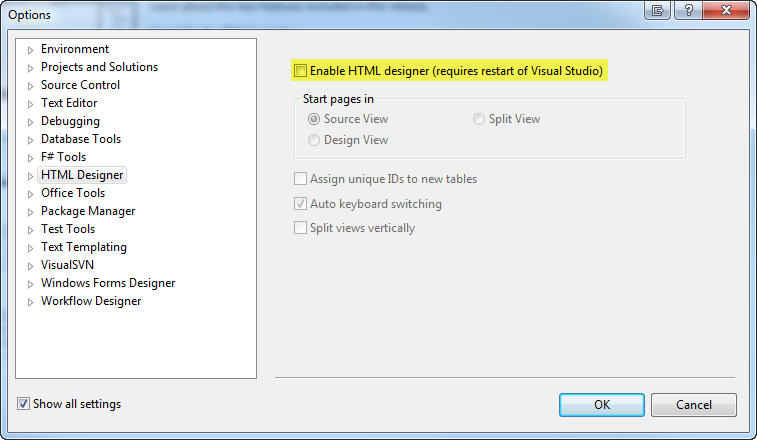
In Visual Studio 2010 the HTML Designer is not enabled by default.
This can easily be re-enabled by knowing where to go in your Visual Studio Options.
Simply go into Tools > Options > HTML Designer and check "Enable HTML designer".
That's it! After that restart Visual Studio and you're good to go.
You now have the HTML Designer back and ready for use if you need it.